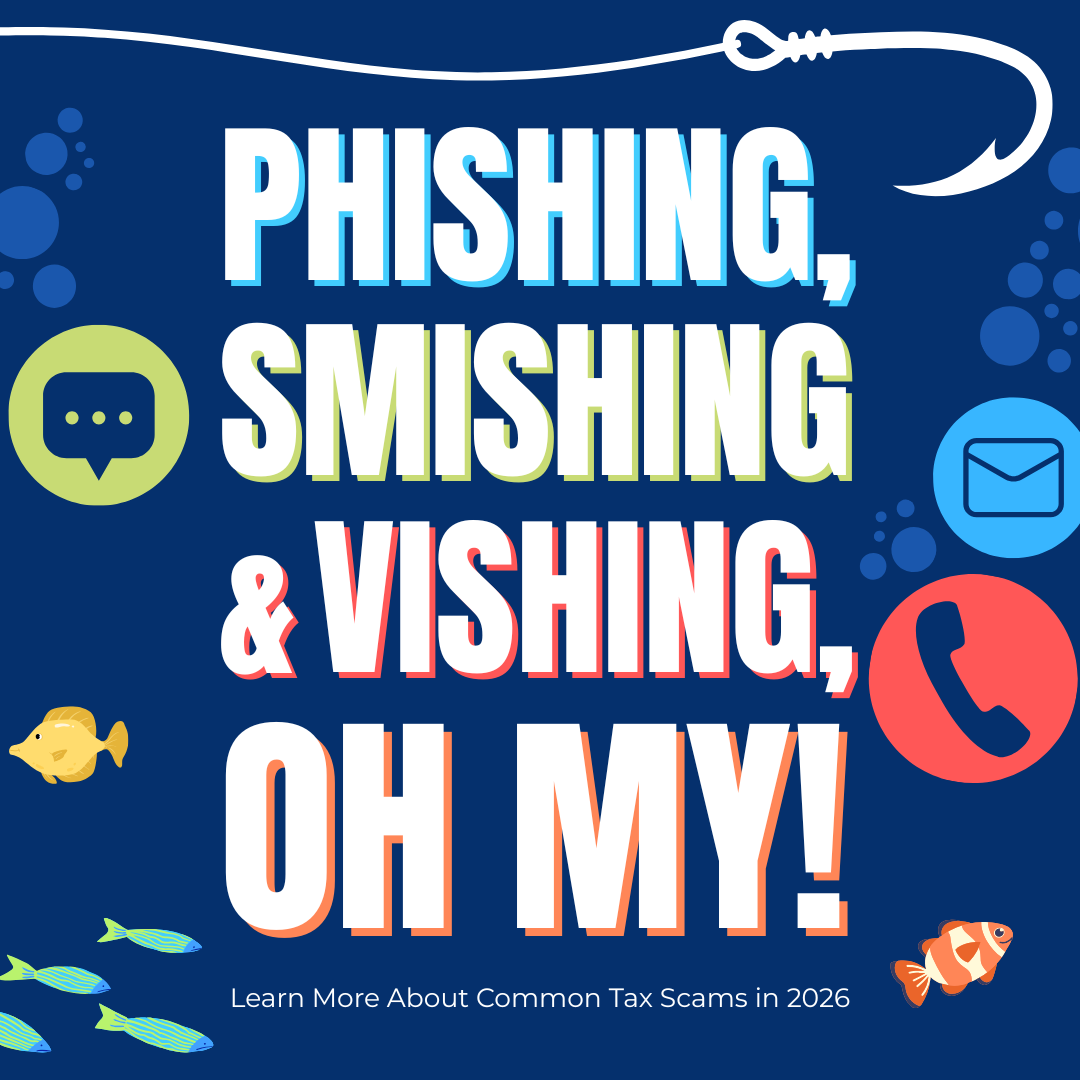
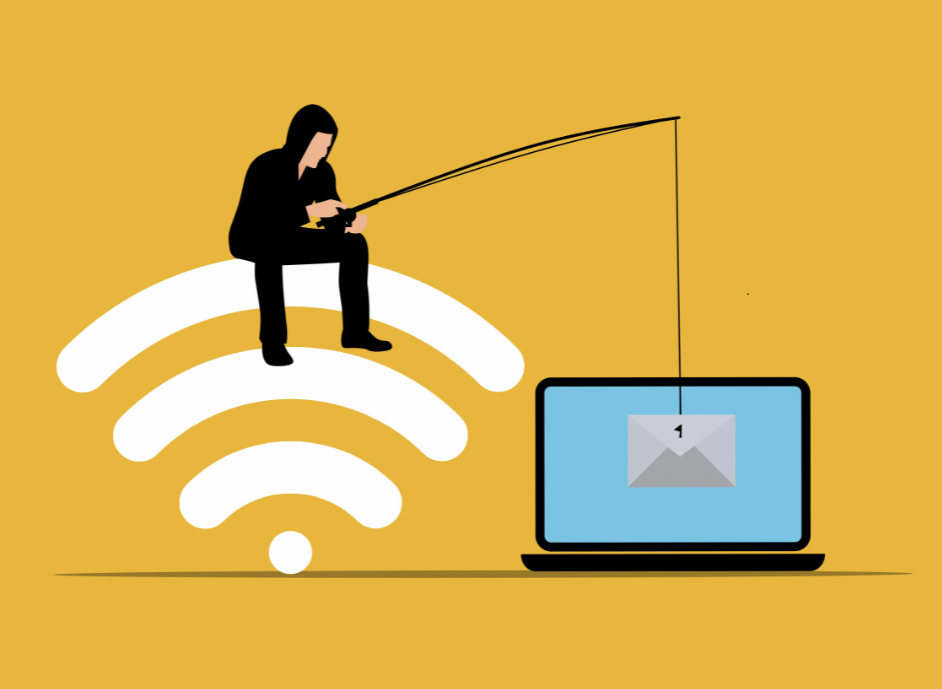
Fishing season is no longer the only time that lines are being cast. Modern “phishing” scams are baiting taxpayers year-round with fake IRS messages designed to steal personal and financial information. What once required patience on the water now unfolds across inboxes, text messages, and phone calls, as cybercriminals work to reel in big paydays through taxpayer’s stolen information.
Tax scams rely on familiar but increasingly sophisticated tactics that exploit the trust in official-looking communications. With major phishing schemes going back to the 1990’s, these concepts are not new, even though the terms “phishing”, “smishing”, and “vishing” sound like modern internet slag.
Phishing: A scamming method where attackers use a variety of cyber-based platforms in an attempt to trick individuals into giving away sensitive information. Phishing is typically an umbrella term, encompassing a large variety of scams such as using deceptive emails, links, texts, calls, QR codes, etc. to get this information. Often malware, spyware, or ransomware is downloaded onto an individual’s device to steal and collect this personal information.
Smishing: A scamming method where attackers use deceptive text messages or other short message services (SMS), to manipulate individuals into giving away sensitive personal information.
Vishing: A scamming method where attackers use phone calls or voice messages to exploit individuals into giving away sensitive personal information.
Common tax scams and the phishing strategies used by cybercriminals to steal personal information follow identifiable patterns that continue to target taxpayers through increasingly sophisticated methods.
Phishing & Smishing Tax Scams
Common tax phishing and smishing scams involve scammers sending emails, direct messages (DMs), or texts pretending to be the IRS. These messages will typically use urgent or alarming language that directs taxpayers to fake IRS websites to “verify” accounts, enter personal information, or claim refunds.
These fake IRS websites can look incredibly real, as scammers often model them after the real IRS website and have likely used the same logos and appearance in order to gain taxpayer’s trust that the website is legitimate. The website’s URL may even look similar, often with only one or two small changes in the lettering, such as changing an “i” to an “l”. (Notice how hard it is to tell that this is L-R-S: “lrs” and this is I-R-S: “Irs”.) Better yet, emails will often have links obscured by fancy buttons that simply say “click here” or similar phrases, making it even harder for individuals to verify the legitimacy of the link before clicking on it. Since scammers have gotten so good at modeling these websites after the real thing and using tactics to obscure the truth, the tiny changes that could alert us to it being a fake will often go unnoticed.
Once a link or email has been clicked on, malware (malicious software) is often downloaded onto an individual’s computer. Spyware and ransomware are two common types of malwares the IRS has seen used in these tax scams. Spyware will “spy” on the individual as they begin entering their personal information, such as credit card numbers, social security numbers, answers to security questions, maiden names, logins and passwords, etc. The spyware collects and saves all of this information for the attacker to use. If ransomware is installed, then an individual’s device can be locked by the attacker in an attempt to exploit the individual for money. These devices may never be unlocked by the attacker and any information on them will be vulnerable to theft.
As a reminder, phishing schemes are also commonly facilitated over social media through attackers impersonating IRS agents, collection agencies working on behalf of the IRS, etc. During the 2025 fiscal year, the IRS reported over 600 social media impersonators.
Vishing Tax Schemes
Since vishing relies on using phone calls or voice messages, common tax related scams from vishing include attackers calling pretending to be an IRS agent or representative, or calling pretending to be a company that will assist taxpayers in navigating the IRS, such as an accountant, private collection agency, etc. Attackers on these phone calls will often try to collect personal information over the phone, such as verifying your social security number, name, date of birth, account information, payment methods, etc.

While phone call and voice scams have been around for a while, technology has continued to evolve and provide attackers with more and more tools. For instance, phone numbers and caller identifications will be spoofed to make it look like a legitimate number and caller. Robocalls and pre-recorded messages are often used to leave urgent or threatening messages requesting immediate payment of overdue taxes and threatening arrest.
Artificial intelligence (AI) has also changed the game of scam phone calls. AI based voice mimicry can allow attackers to use artificial intelligence to generate a clone of a person’s voice and then use it in a conversation. This can work against individuals in a variety of ways. One way is by having attackers use known voices to exploit individuals for information. Voice mimicry and spoofed caller identification can make it look and sound like another trusted person or organization is calling for information. Since an individual “knows” the caller and recognizes the voice, they are more willing to provide sensitive information over the phone.
This also works the other way around, where scammers can call and secretly record an individual’s voice. Scammers then use the recording of the victim’s voice and AI voice mimicry to make phone calls pretending to be the victim as a way to gain access to sensitive information. AI voice scams are often targeted and will be interactive, as the AI voice will generate responses in the conversation and can adjust tone and reactions throughout the call. This can make these calls feel real and make it even harder to tell that it is a scam.
Reporting IRS Schemes
If you receive a suspicious IRS message, the first and best thing to do is to report it. At best, reporting suspicious messages helps the IRS and other government agencies find and prosecute the attackers that create them. While this may not happen in every case, reporting these messages helps the IRS and government agencies know what methods attackers are using in phishing scams, so that they can help keep the public informed about the latest schemes and what to watch out for.
Below, you will the best ways to report IRS related scams, per IRS instructions:
The IRS will not email you without your permission, and the IRS will never initiate contact with you by email or require you to communicate with them via email. While the IRS may call taxpayers to address account matters, the IRS will generally contact taxpayers by mail first. The IRS will never call to demand payment, threaten arrest, or inform you of a refund. The IRS will also never text you without your permission. The IRS does not use social media to send direct messages and will never message you on a social media platform.
- Email
- Do not reply, click on any links, or open any attachments.
- Send the suspicious email to phishing@irs.gov.
- It is best to save the email as a file and send it as an attachment or select the “forward as attachment” option, to ensure all important data related to the email stays intact.
- Make sure the subject line says “IRS” for IRS related emails, and “Treasury” if treasury related.
- Report the email to the Treasury Inspector General for Tax Administration at www.tigta.gov.
- Delete the email.
- Phone Calls
- Hang up.
- Record the phone number of the suspicious call.
- Report the call the Treasury Inspector General for Tax Administration at www.tigta.gov, or call their hotline at 800-366-4484.
- If the phone call is about tax dept relief, you can report the phone call to the Federal Tade Commission at https://reportfraud.ftc.gov and the Federal Communication Commission https://consumercomplaints.fcc.gov.
- Text Messages
- Do not reply, click on any links, or open any attachments.
- Send the suspicious email to phishing@irs.gov.
- Include the sender’s phone number and text message contents.
- Include your, the recipients, phone number.
- Include the date, time, and time zone/location of when you received the message
- Make the subject line of the email: “Text”.
- Report the text to the Federal Trade Commission at https://reportfraud.ftc.gov.
- Delete the original text message.
- You can also forward the text to “7726” (SPAM) to help your wireless provider spot and block similar messages.
- Social Media
- Report the message to the social media provider.
- Send the social media account to phishing@irs.gov.
- Make the subject line of the email: “Social Media”
- Include any direct messages that were received.
- Include the full URL of the Social Media account that sent the messages.
- Report the social media account and any received messages to the Treasury Inspector General for Tax Administration at www.tigta.gov, the Federal Trade Commission at https://reportfraud.ftc.gov, and the Internet Crime Complaint Center at https://www.ic3.gov/.
For additional information and how to report other IRS scams, please visit the IRS website:
How to Avoid Being the Next “Catch”
Protecting yourself from IRS related phishing, vishing, and smishing scams requires extra vigilance, but it can be well worth it should one of these schemes make it through the cracks.
Here are some additional steps taxpayers can take to help protect themselves from phishing, smishing, and vishing scams:
- Stop and slow down. Attackers act with urgency. Slowing down by hanging up or not responding to messages and emails takes away some of their power, by giving you time to accurately assess the situation and identify a scam.
- Verify information through other sources. Be sure to always navigate to the IRS website yourself, not through any suspicious links provided. You can check your IRS online account, call the IRS yourself through the numbers provided on their website, or use their published list of mail communications to double check and verify information.
- Use security software on your computer. Be sure this software is set up to update automatically so it can deal with security threats as they arise.
- Set your cell phone settings to allow software to update automatically. This helps ensure your phones has the latest protection against security threats.
- Use multi-factor authentication on accounts. While the extra step may be annoying, it makes it significantly harder for scammers to log in to your accounts and steal your information.
- Protect your data by backing it up. Put any important information you do not want to lose on an external hard drive or in the cloud.
- Add extra passwords to important files and information. Files that contain sensitive information on digital devices, like copies of previous year’s tax returns, should have password protections enabled, to help prevent attackers from accessing them easily through malware.
- Never give out any personal information over the phone or online. Protect your personal information at all costs from strangers, and avoid sending it through un-secured communications such as emails, texts, direct messages, etc.
While scammers may be using better bait, knowing the latest phishing schemes can help keep individuals from falling hook-line-and-sinker for these criminal attacks. Staying up to date on the latest schemes, knowing how to report these cyberattacks when they happen, and staying vigilant about keeping personal information secure are all ways taxpayers can protect themselves from IRS related tax scams.
- https://www.irs.gov/newsroom/dirty-dozen-tax-scams-for-2026-irs-reminds-taxpayers-to-watch-out-for-dangerous-threats
- https://www.irs.gov/help/tax-scams
- https://www.irs.gov/help/report-fraud/report-fake-irs-treasury-or-tax-related-emails-and-messages
- https://www.irs.gov/help/sending-and-receiving-emails-securely
- https://www.ic3.gov/
- https://reportfraud.ftc.gov/?orgcode=IRS
- https://consumer.ftc.gov/articles/how-recognize-avoid-phishing-scams
- https://consumer.ftc.gov/consumer-alerts/2025/04/protect-yourself-phishing-scams
- https://www.tigta.gov/
- https://consumercomplaints.fcc.gov/hc/en-us